Channel chooser
The channel chooser typically serves as the initial landing page. It is an intermediate step before starting the main identity verification flow. It enables users to select their preferred channel for identity verification:
- Native mobile app - Provides the best verification experience with NFC support for reading chip-enabled ID cards and passports, plus access to device-native features for optimal performance (Learn more)
- Mobile web browser - Offers quick access without app installation and superior camera quality for document capture, though NFC chip reading is not supported
- Desktop browser - Standard browser-based experience suitable for users on computers, though typically limited by lower-quality webcams and no NFC support
How it works
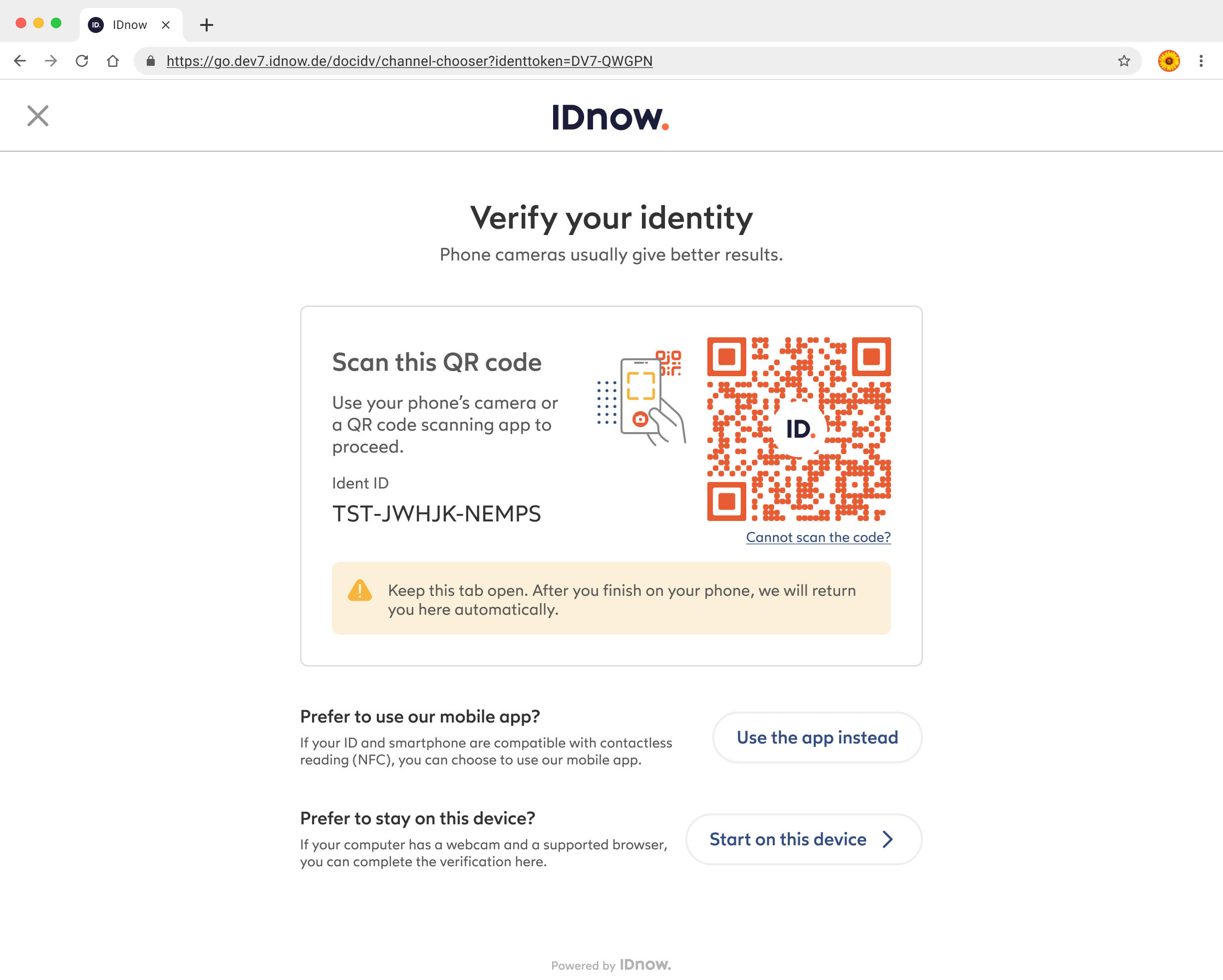
From desktop to mobile
When starting an identity verification session on a desktop browser, users are presented with a page offering them to scan a QR code to continue on their mobile (app or browser).
From mobile browser to app
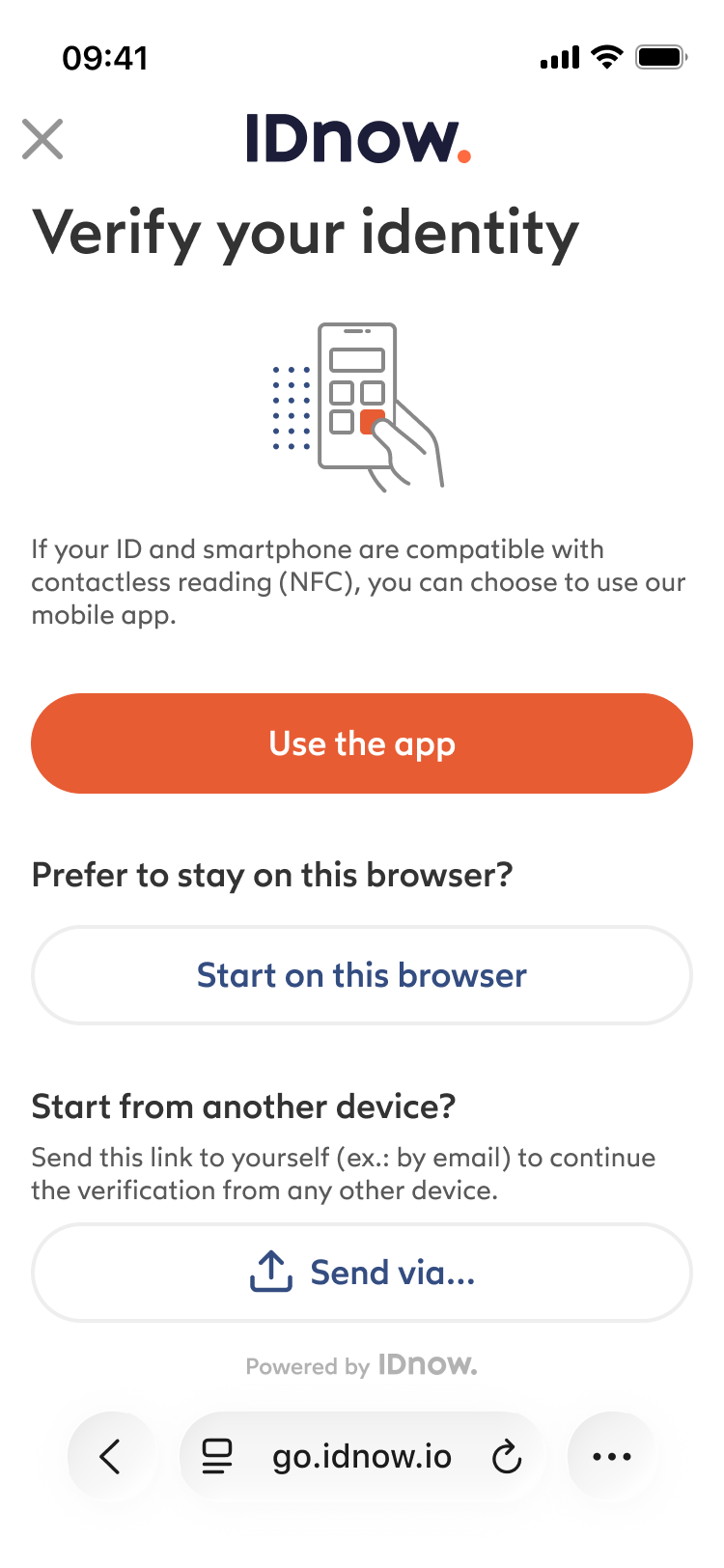
When starting an identity verification session on a mobile browser, users are presented with a page offering them to download the native app for enhanced features.
Cross-device flow
Once the user has finished their identity verification on their mobile device, they are prompted to return to their desktop browser, where they will be automatically redirected to the end flow redirection URLs defined in the configuration.
The transition between devices is handled seamlessly by our platform, and the flow will always end on the device that was used to start it. You don't need to worry about session management, data synchronization, or cookie handling across devices.
Configuration
The channel chooser can be enabled or disabled based on your requirements.
If enabled, you can configure the channels that are available to users. For example, if you don't need NFC support, you can disable the native mobile app option and only offer web browser options.
To integrate the channel chooser into your application:
- Contact your account manager to enable the channels you need
- Integrate our web application using one of the following routes:
/channel-chooser/channel-chooser/web(if you want to force the default channel to be the web)/channel-choose/app(if you want to force the default channel to be the mobile app)
Example: https://go.idnow.de/channel-chooser?identToken=YOUR_VERIFICATION_TOKEN