eSign
An eSign step is the part of a journey where the end user is asked to review and electronically sign one or more documents.
This step allows a document signing action to be integrated directly into the overall user flow. It is typically used when a business process requires the user not only to complete identity verification, but also to approve, accept, or sign contractual or consent-related documents.
The eSign step connects document presentation, signer interaction, and signature capture in a single guided experience.
What happens during an eSign step
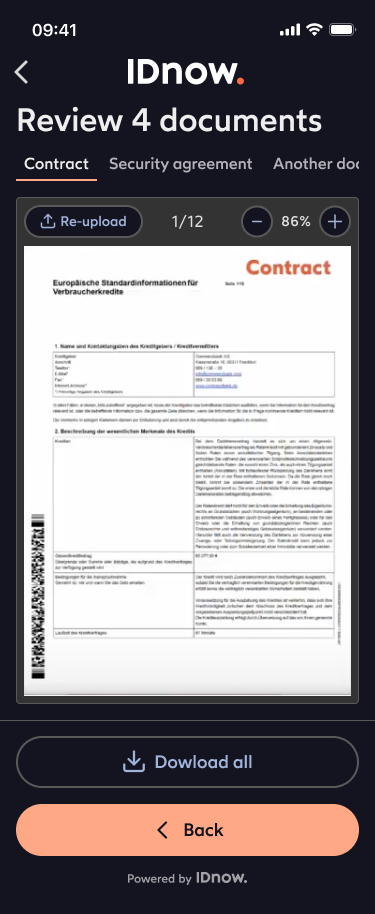
An eSign step is responsible for:
-
Presenting the document to the user
- The user is shown the document or set of documents to be signed.
- The step ensures the user can access the content before signing.
-
Collecting signer consent and action
- The user is asked to confirm their intent to sign.
- Depending on the setup, this may include explicit acceptance, a signature action, or another confirmation mechanism.
-
Capturing the signature event
- The system records the signing action together with the relevant transaction context.
- This can include timestamps, document version references, and process metadata.
-
Returning the signed outcome to the flow
- Once signing is completed, the result is passed back to the broader journey so the business process can continue.
Why this step matters
The eSign step helps turn a verification or onboarding journey into a complete transaction flow.
Instead of redirecting users to a separate signing experience, the signing action can be embedded directly into the process. This improves continuity and can help reduce user drop-off between identity verification and contract completion.
A well-designed eSign step helps provide:
- a smoother end-user journey
- clear signing intent capture
- better process continuity
- stronger transaction traceability
- faster completion of business processes